YOUR AI DESIGN AGENT
Create Images and Videos with an AI Design Agent
Create with an AI Design Agent and easy-to-use AI design tools.No subscription; top up as you go, and credits never expire.

Drag media to arrange the canvas
NODE WORKFLOW
Turn Ideas into Node Workflows with an AI Design Agent
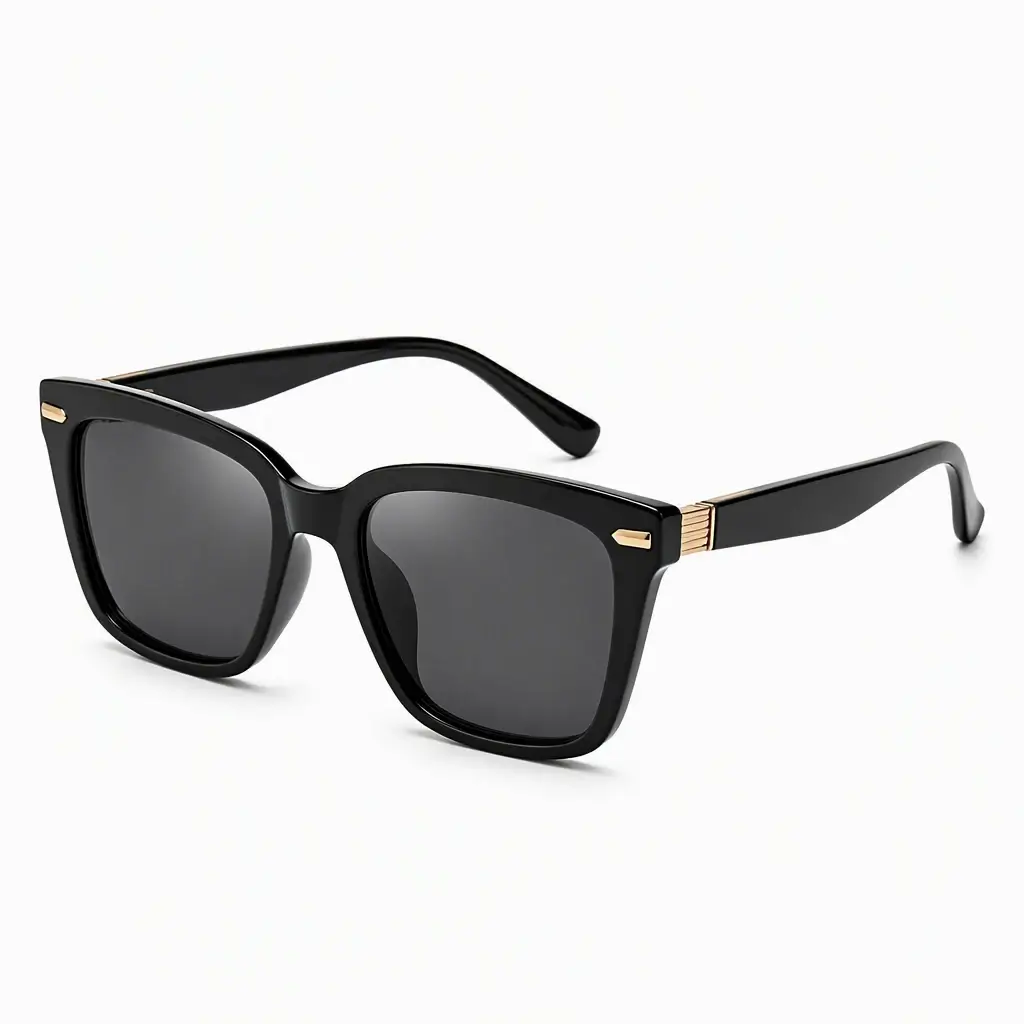
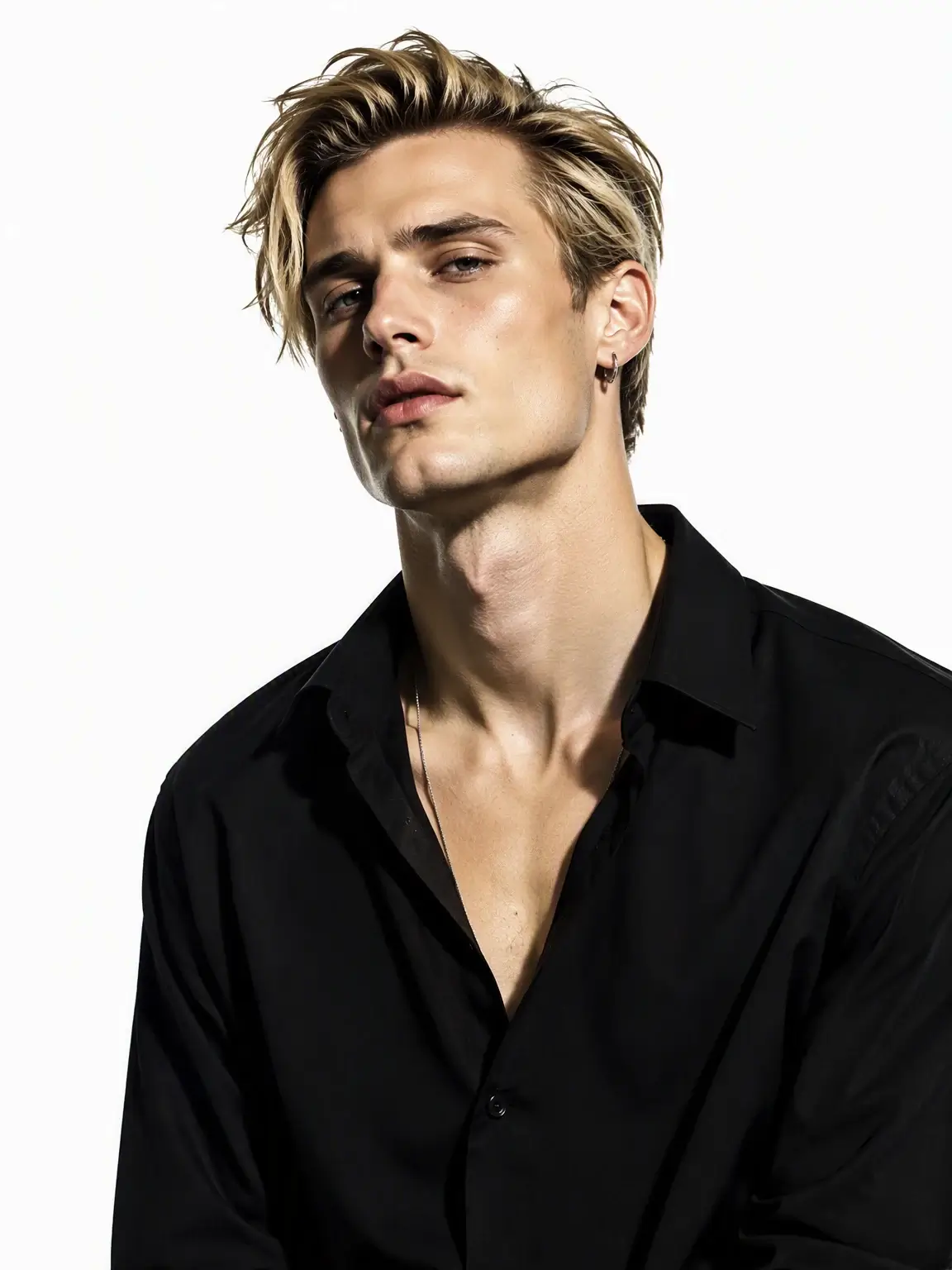
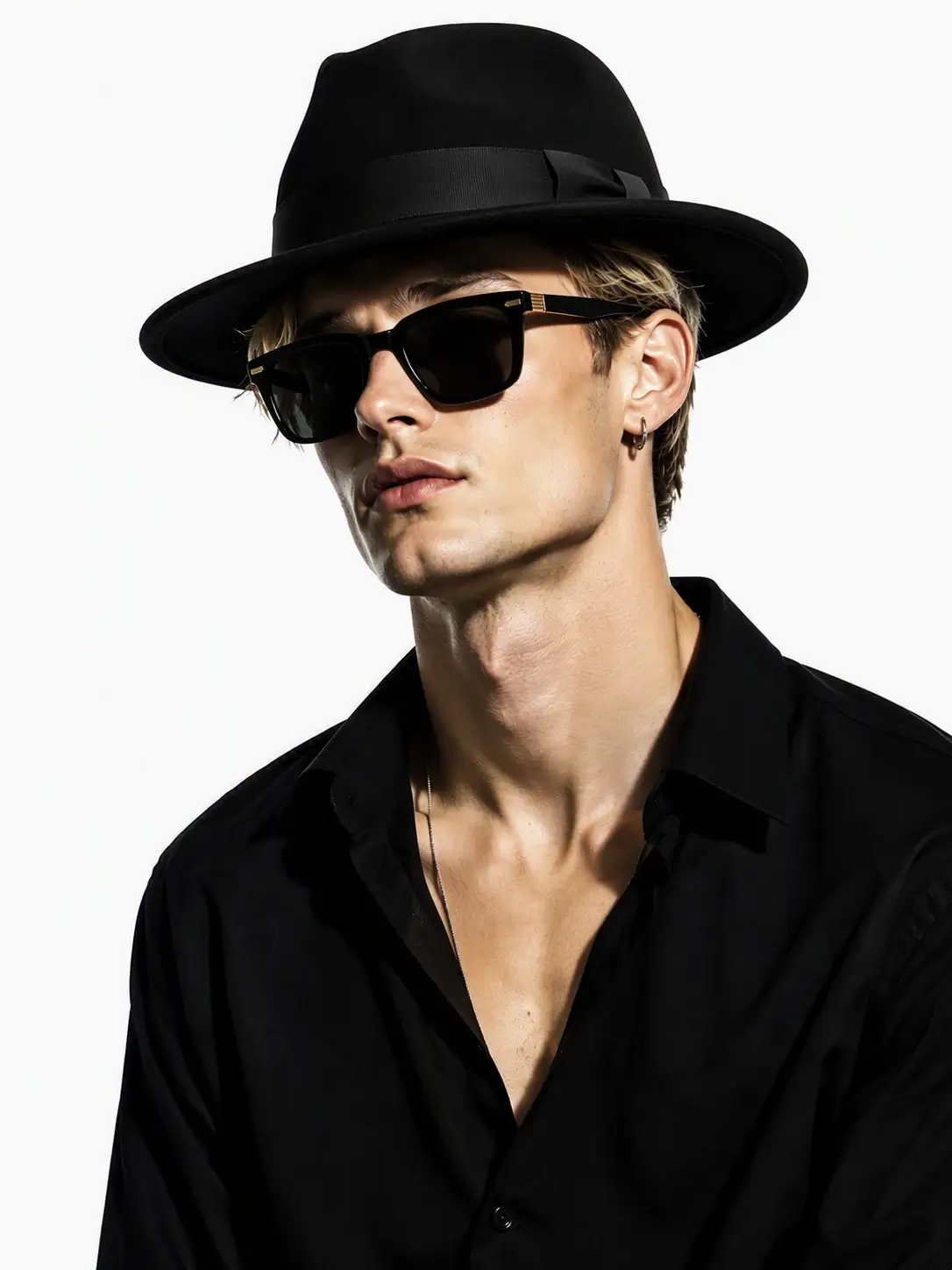
See how an AI Design Agent connects one styling brief to model, sunglasses, and hat image nodes, then merges all three into a final styled portrait.
- Text node
Modern Accessory Look
Image 1: Black square sunglasses on white. Image 2: Male fashion model in a black shirt. Image 3: Black wide-brim hat on white.
Modern Accessory Look
Image 1: Black square sunglasses on white. Image 2: Male fashion model in a black shirt. Image 3: Black wide-brim hat on white.

FEATURES
TOUCH EDIT
Edit what you point to. Keep what already works.
Mark the area you want to change, then describe what to replace or remove. YourArt edits the marked regions while preserving the subject, composition, and lighting.
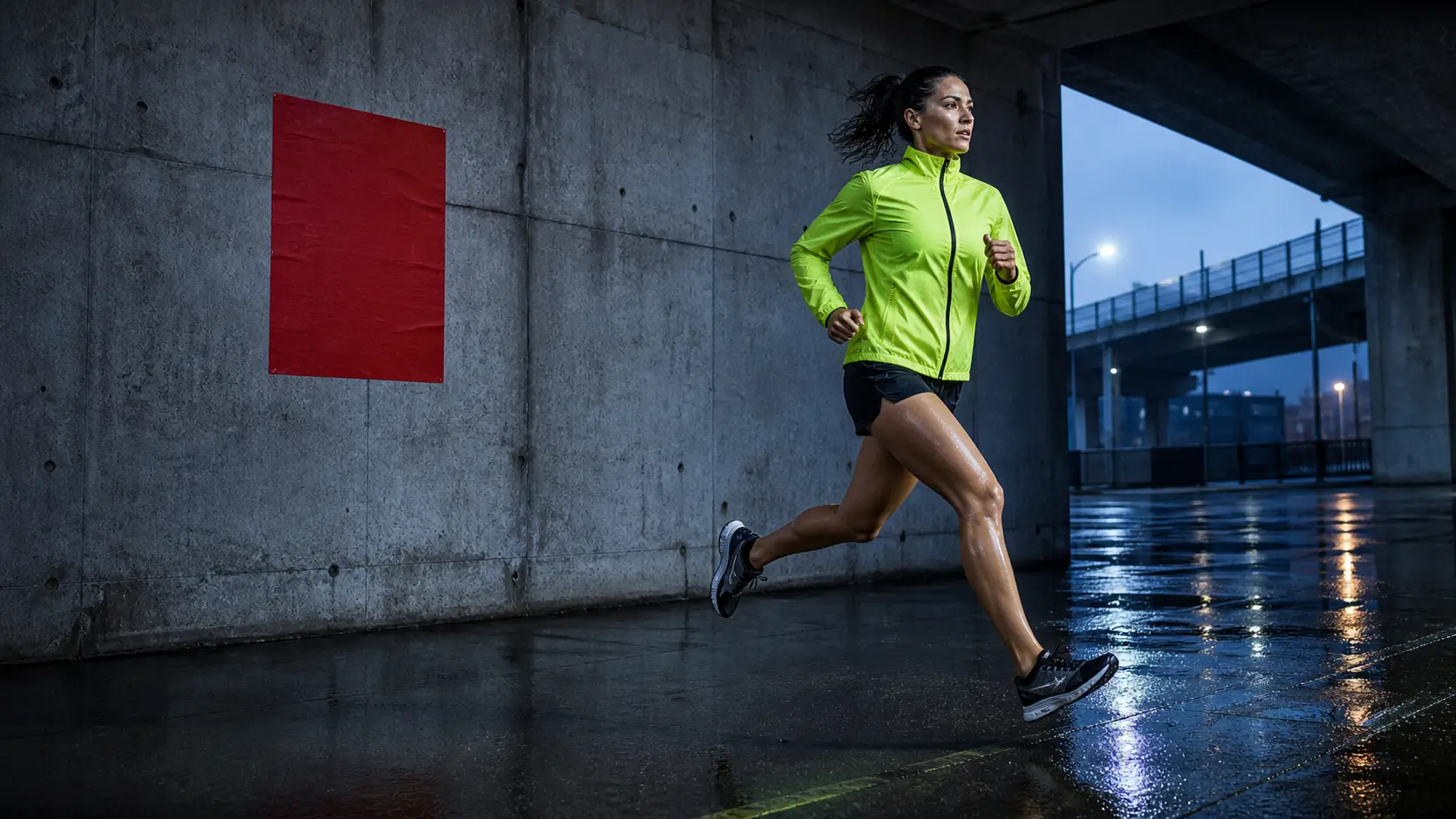
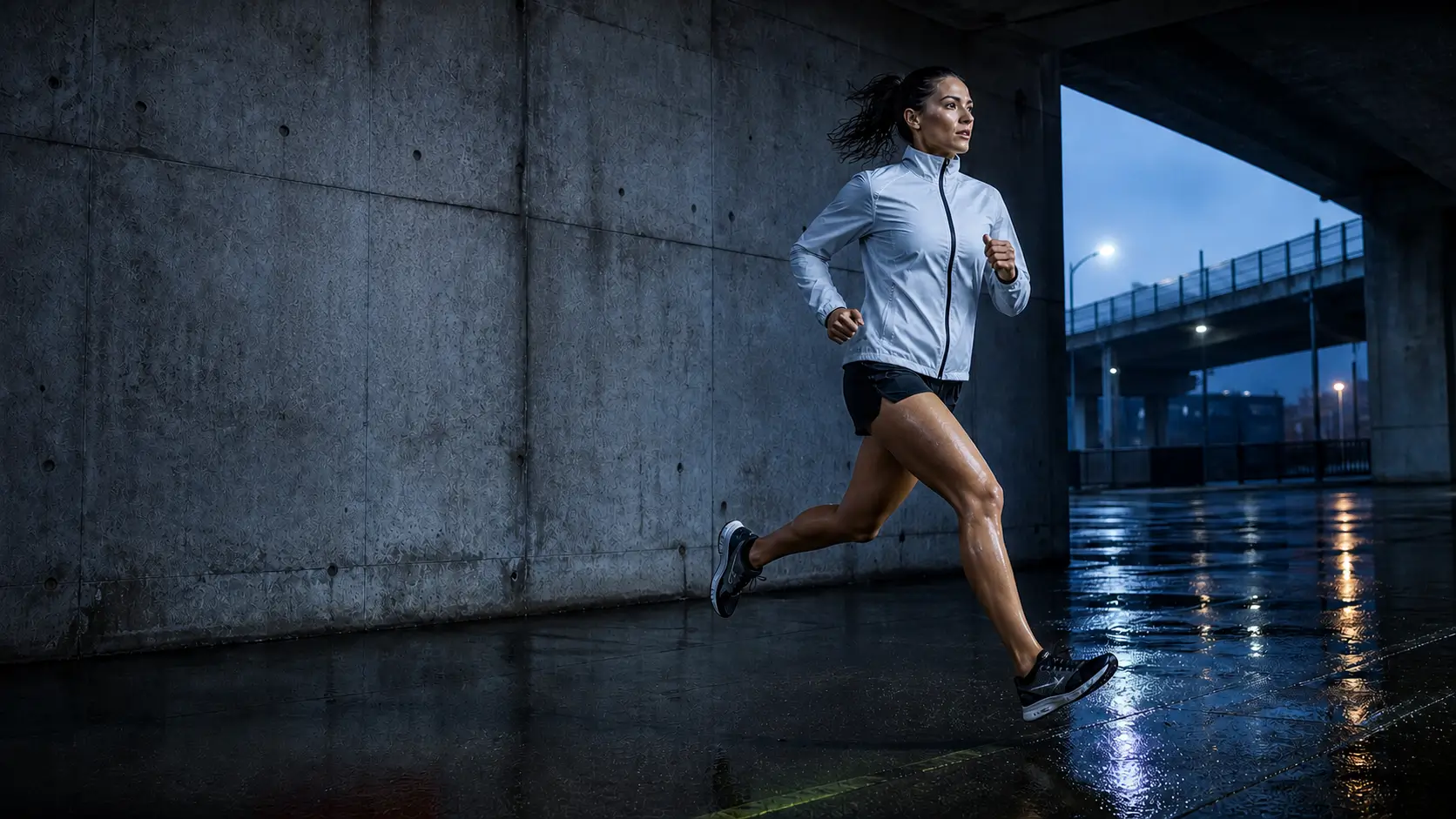
EDIT TEXT
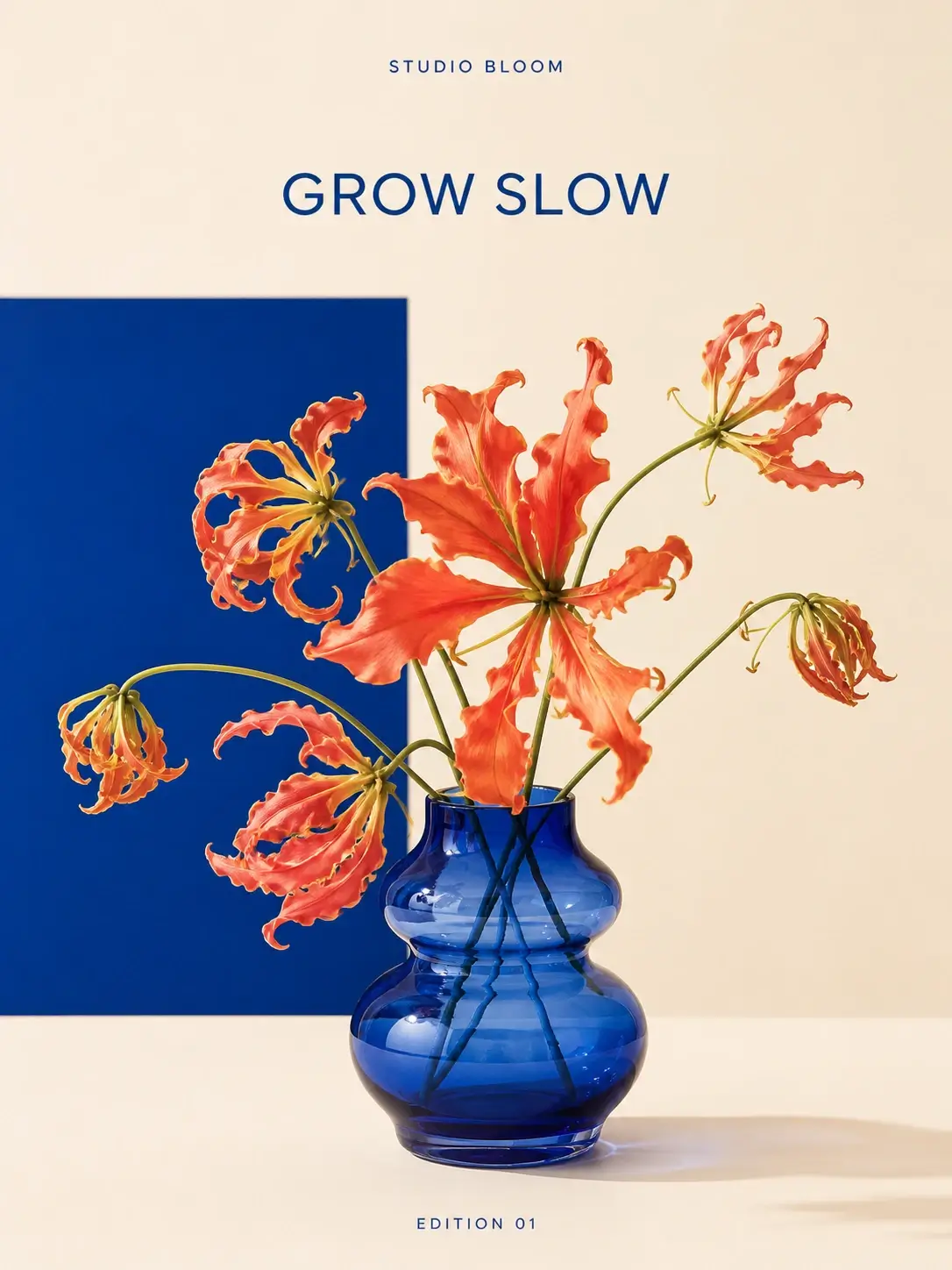
Recognize the words. Rewrite the message.
Extract poster copy and edit it without rebuilding the design. YourArt preserves the typography, layout, image, and texture while updating only the selected words.
MAGIC ERASER
Remove the distraction. Keep the image intact.
Brush over anything you want to remove. YourArt fills the erased area to match the original background, lighting, and texture.
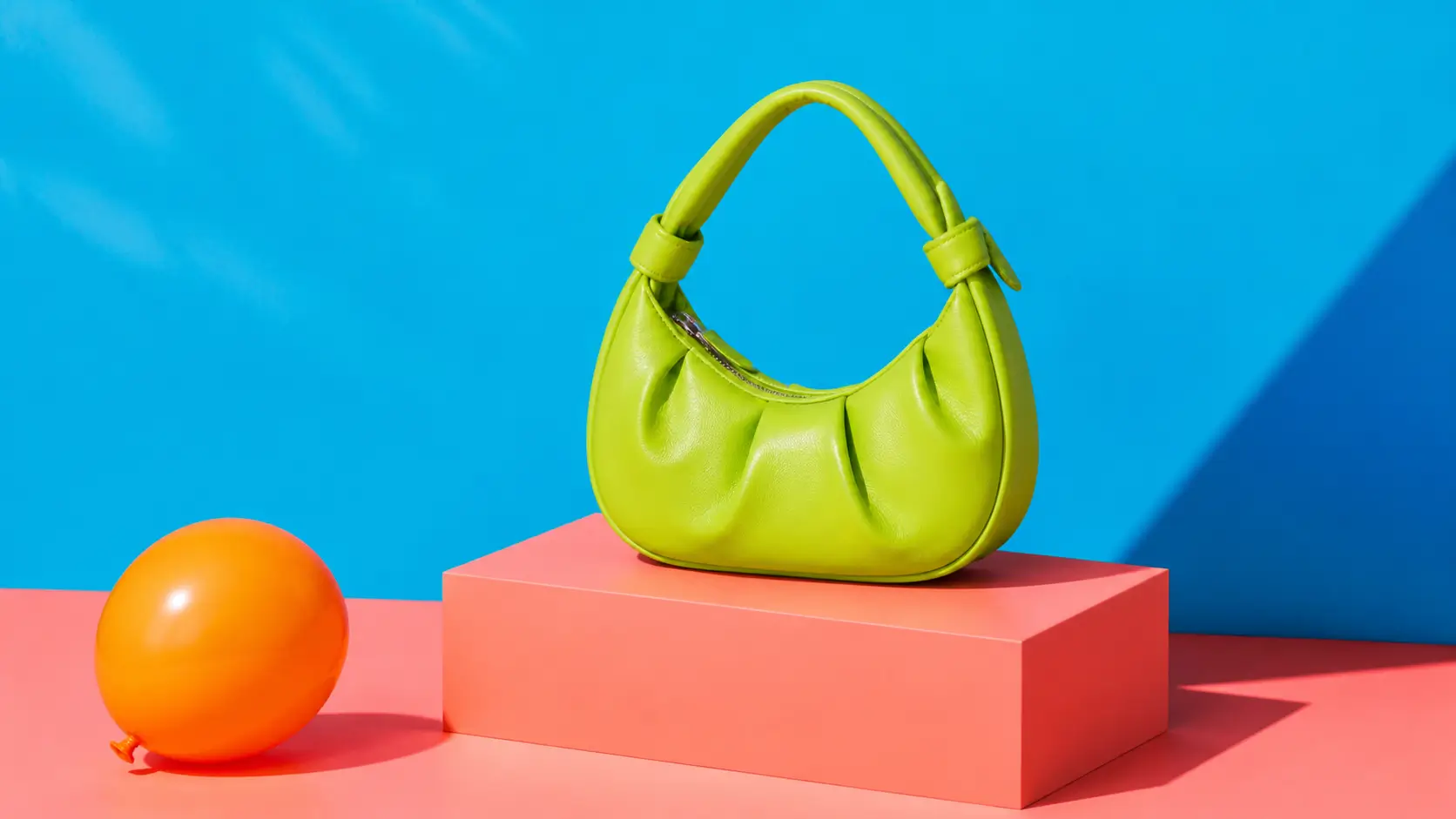
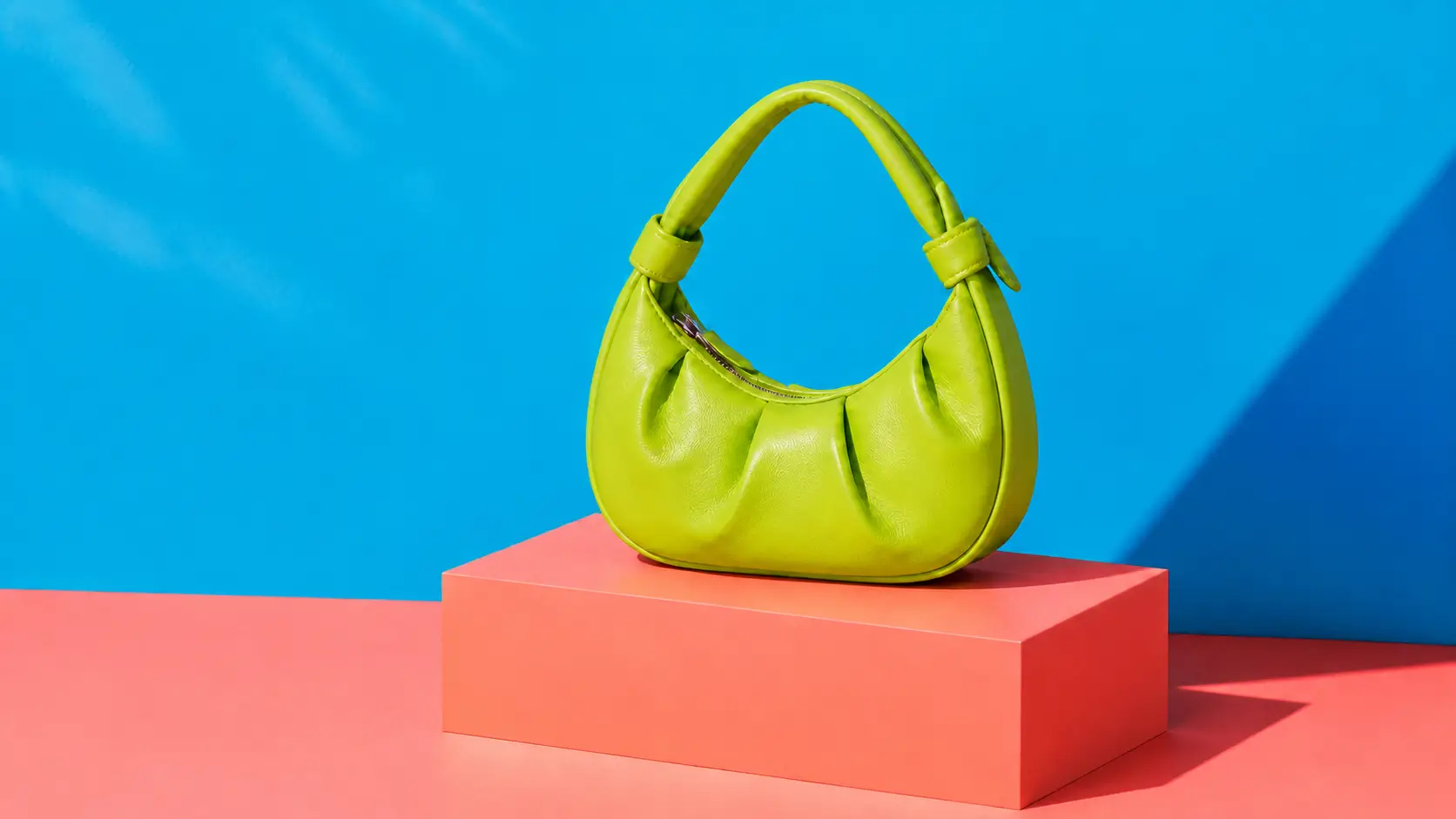 this area.
EXPAND IMAGE
Extend beyond the frame. Open up the composition.
Choose a new aspect ratio or pull the frame outward. YourArt continues the original space, light, and materials so one image can adapt to banners, covers, and more layouts.
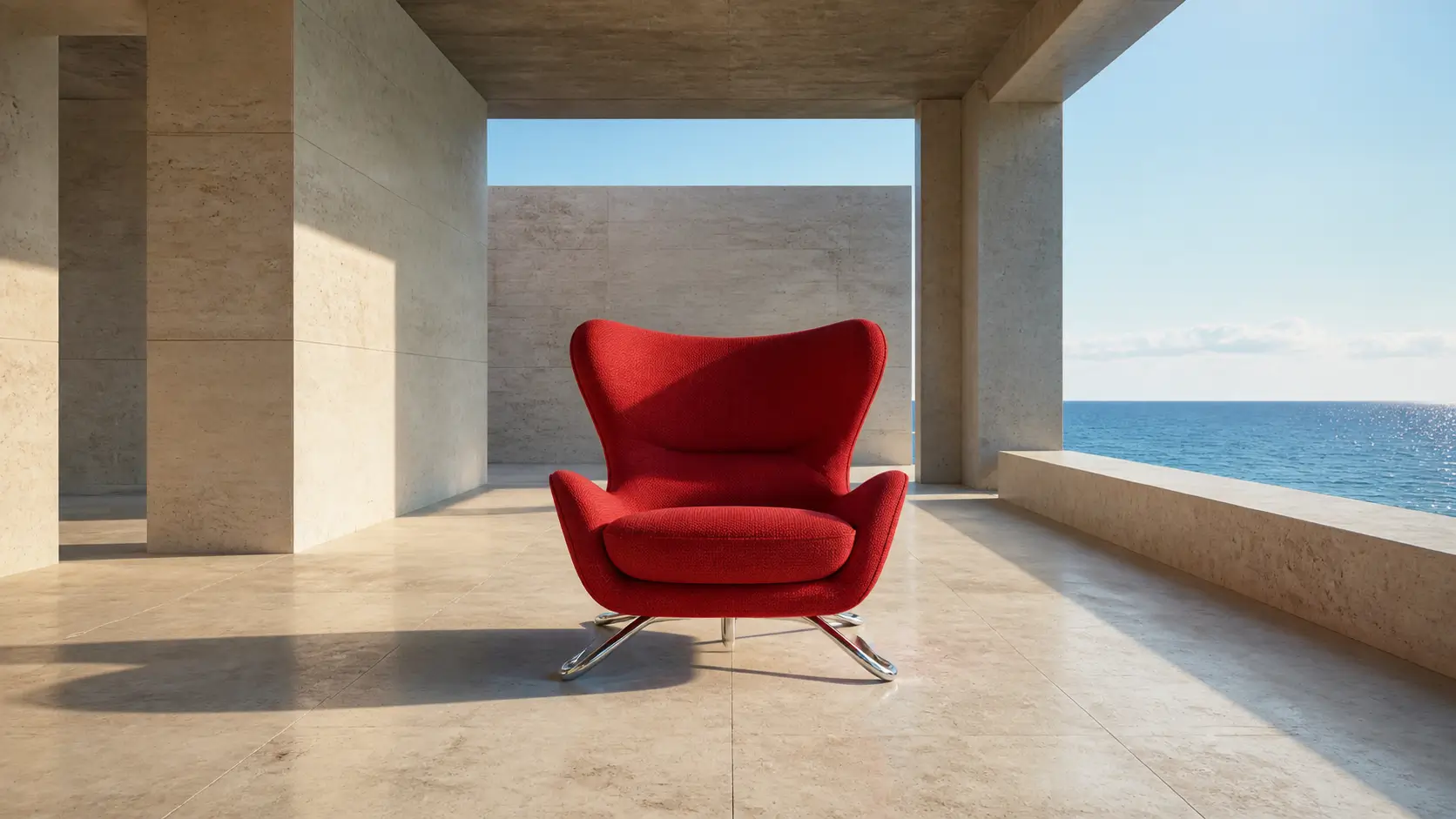
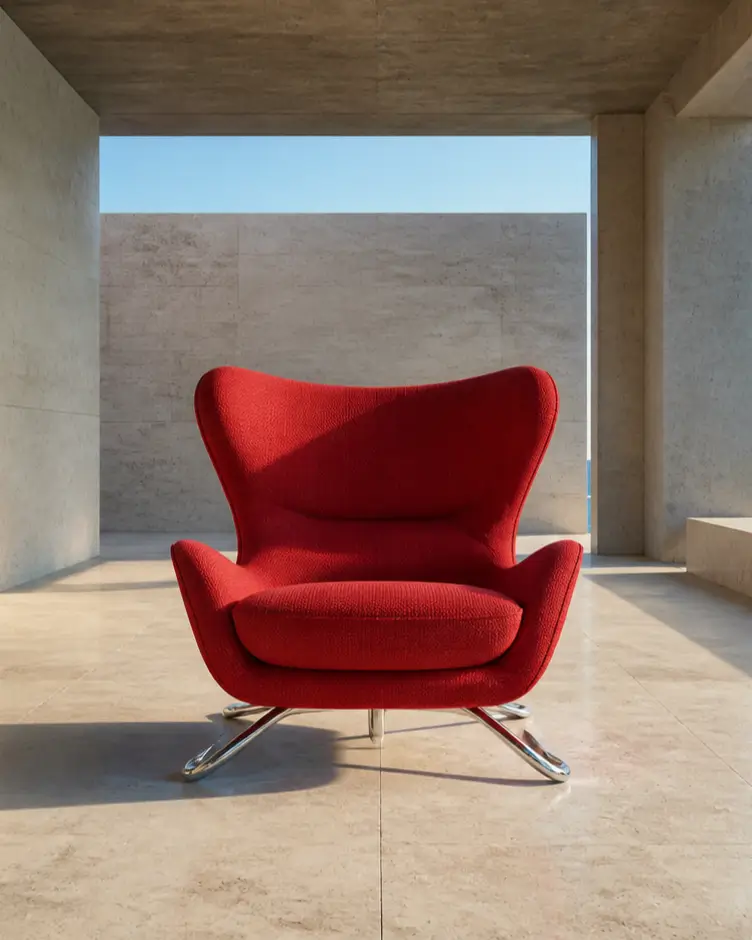 Original · 4:5
SUPPORTED MODELS
One workspace, the right AI model for every step.
From prompts and images to video, Design Agent can choose automatically or follow your model preference.
10 model families · Text, image, and video
 GPT
GPT DeepSeek
 Gemini
 Nano Banana
 Seedance
 Z-Image
 Midjourney
 Kling
Kling Hailuo
 Wan
Wan
WHY YOURART
One Design Agent. Every way you create.
From pay-as-you-go credits to design tools, node workflows, and commercial projects, YourArt brings everything into one workspace—so you can create with more freedom and control.
- 01
No subscription. Pay as you go.
YourArt runs on credits, so you top up only what you need—without a fixed monthly fee or paying for unused capacity.
- 02
Credits that never expire
Purchased credits never reset monthly or annually. Use them at your own pace, whenever you are ready.
- 03
Design Agent and node workflows, together
Design tools, a Design Agent, and flexible node workflows live in one workspace, so your projects never have to bounce between platforms.
- 04
More freedom to create
Keep uploading assets and work across projects and conversations in parallel. Generated work can be used commercially, subject to the model, source-material rights, and applicable terms.
FAQ
Questions about YourArt Design Agent
The essentials before you start creating with YourArt.
What is YourArt Design Agent?
YourArt Design Agent is an AI creative workspace that helps plan and execute visual tasks. It can work with your references, call image and video models, and place results on an infinite canvas for continued editing.
Does YourArt require a subscription?
No. YourArt uses pay-as-you-go credits, and the estimated credit cost is shown before generation.
What can I create with YourArt?
You can create brand visuals, product images, posters, social assets, and short videos, then refine them with canvas editing tools in the same project.
Do credits expire?
No. Unlike typical subscription plans, purchased credits never reset or expire. They remain available until you use them.
How do I get started?
Sign in, choose the amount of credits you want to top up, and create a new project. From there, you can generate, edit, and arrange work freely on the canvas—the workflow is designed to be easy to pick up.
Can I use generated content commercially?
Yes. You can use your creations in commercial projects and retain the rights you have in your uploaded content and generated results, subject to the model provider’s terms, source-material rights, and applicable law.
What models are currently supported?
YourArt currently supports GPT, DeepSeek, Gemini, Nano Banana, Seedance, Z-Image, Midjourney, Kling, and Hailuo across text, image, and video generation. As new models are released, YourArt will integrate them as soon as possible.
START CREATING
Bring your next idea to life with YourArt.
Give the Design Agent a brief. Generate images and videos, refine them on the infinite canvas, and keep moving until the work is ready.
No subscription · Pay as you go · Credits never expire